





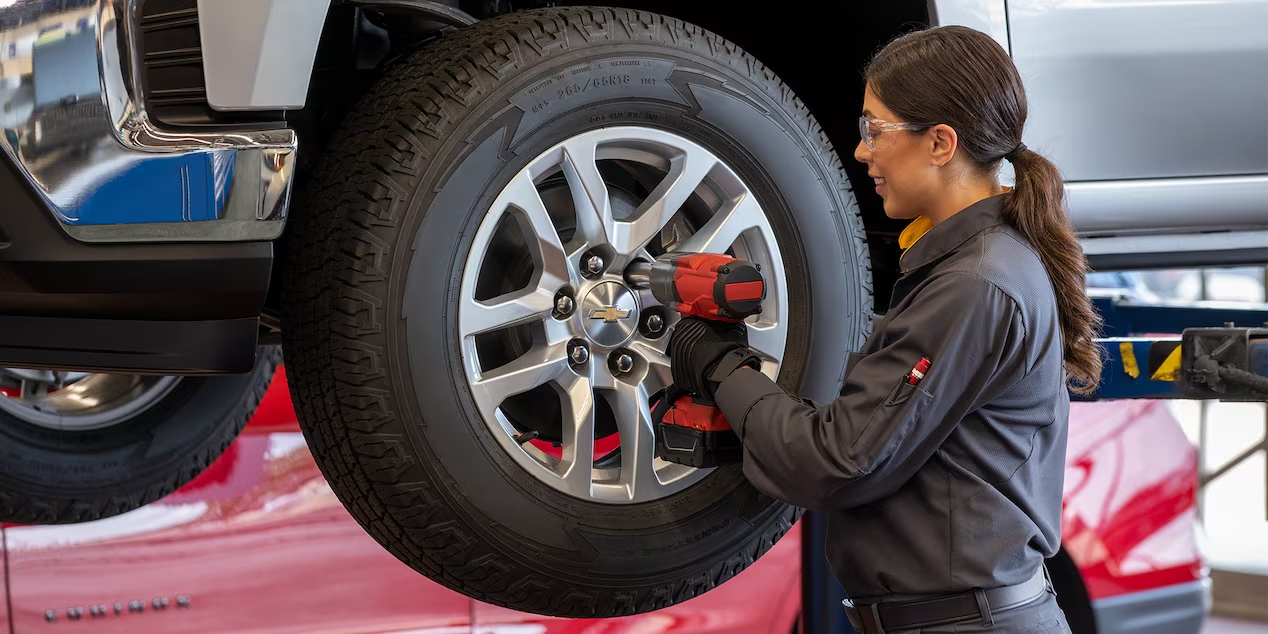
If you’re looking to order Chevy parts online, Lester Glenn Chevrolet makes it easy. The right parts can help to keep your vehicle safe, efficient, and comfortable, and you can pick them out right from the comfort of home. Learn how to order Chevy parts online with help from Lester Glenn Chevrolet.
Navigate to the Page
To begin, click on the “Parts” page of the main menu. From the dropdown menu, navigate to the page that says “Parts Request” on the left. You should be looking at a submission form, starting with contact information. If you are interested in ordering tires, click on the “Tire Finder” link on the Parts page, instead.
Enter Your Contact Information and Vehicle Information
Begin by entering your personal and contact information, including first and last name, email, address, and phone. At this stage, you’ll also have the option of determining which of our locations you want to send the parts request to, based on your location and specific needs. Then scroll down to the Vehicle Information section. Enter the information on your vehicle make, model, year, and trim. Lastly, select whether the car is new or pre-owned.
Submit Your Parts Request
Continue to scroll down on the page and you’ll find the Parts Information section. Here, you will list the parts you need for your vehicle. Select the date that you need your parts by, and add any additional messages or information our team might need to make the process go smoothly. Finally, hit submit, and wait for a member of our team to be in touch.
Order Chevy Parts Online in Toms River, NJ
Getting the parts you need for service or repairs doesn’t have to be overwhelming. With help from Lester Glenn Chevrolet, you can do it without leaving the house. Order parts and schedule expert service through our dealership, and keep your car running right.
Connect with us


- July 2026
- June 2026
- April 2026
- January 2026
- December 2025
- November 2025
- October 2025
- September 2025
- August 2025
- July 2025
- June 2025
- May 2025
- April 2025
- March 2025
- February 2025
- January 2025
- December 2024
- November 2024
- October 2024
- September 2024
- August 2024
- July 2024
- June 2024
- May 2024
- April 2024
- March 2024
- February 2024
- January 2024
- December 2023
- November 2023
- September 2023
- August 2023
- July 2023
- June 2023
- May 2023
- April 2023
- March 2023
- February 2023
- January 2023
- October 2022
- August 2022
- July 2022
- June 2022
- May 2022
- April 2022
- March 2022
- February 2022
- January 2022
- December 2021
- November 2021
- October 2021
- September 2021
- August 2021
- July 2021
- June 2021
- May 2021
- April 2021
- March 2021
- February 2021
- January 2021
- December 2020
- November 2020
- October 2020
- September 2020
- February 2020
- January 2020